
VelvetShark edition - Oct 10, 2025
AI rehab, smart shortcuts, and why everything still looks like a butthole
This week’s edition is a mix of surprisingly effective experiments, productivity upgrades, and visual design crimes. Here’s what’s inside:
GPT-5 Pro as my physical therapist - I fed it my medical records and got a recovery program that actually works
Logitech MX Master 4 - A mouse I didn’t need but can’t stop using
GitPing for software updates - Never manually check for new releases again
More butthole logos - Because the internet can never have enough of these
GPT-5 Pro is my new physical therapist
Five months ago, I ruptured my Achilles tendon and had surgery. Since then, I’ve been doing rehab twice a week, and while things were progressing well, my right leg still felt frustratingly weak. A few weeks ago, I finally got cleared to start strength training, but I wanted more than just the standard exercises.
So I tried something different: I uploaded everything about my injury to ChatGPT-5 Pro: surgery docs, ultrasound results, rehab reports, the works. Then I asked it to create a complete exercise program to get me from where I am now to playing basketball again.
I gave it context: my current abilities, what equipment I have at home, and the constraint that matters most: it needs to be something a normal person will actually do (20-30 minutes max per day).
What came back was impressive: a full 6-month program with exercises organized into stages, clear benchmarks for progressing between stages, measurements to track improvement, and a traffic light system for monitoring pain and recovery (green lights, yellow lights, red lights).
I asked for a detailed plan for the next few weeks and started following it. I went into this as a test, kind of skeptical, but after just a few days, my leg feels noticeably stronger, more stable, and less painful than it has in months. The improvement is significant enough that I’m genuinely surprised.
So what started as an experiment is now my daily routine until I’m back on the court. A professional-grade rehabilitation program for $200/month? That’s an incredible deal. Especially when the same tool helps me with coding and other tasks the rest of the time.
A new mouse! Logitech MX Master 4
Full disclosure: I didn’t need a new mouse. My Logitech MX Master 2s was working perfectly fine. But then I watched the launch video for the MX Master 4, and five minutes later I’d placed an order.
Two features sold me:
Better button and scroll wheel layout
Completely new feature: a customizable shortcut pad built into the mouse
This is the game-changer. It’s essentially a touch-sensitive area that lets you create shortcuts for anything: different apps, actions, or even specific functions within apps.
Here’s my default (not app-specific) setup.
Clockwise from top:

Play/pause
Create a new note
AI apps (hover to reveal 3 more options)
Lock screen
Hide all other apps (perfect for focused reading on large monitors)
Screenshot area
Emoji picker
Show Finder
You can also create app-specific shortcut sets for tools like Figma or Final Cut Pro. It saves time, reduces mouse movement, and eliminates hunting through menu drop-downs.
Did I need a new mouse? No. Am I happy I got it? Absolutely.
How to stay updated on software releases
Speaking of new releases. AI tools are moving at a ridiculous pace. Some release updates multiple times a day. Since I work with these tools constantly, I want to make sure I’m always using the latest versions.
Enter GitPing, a tool I built a couple of months ago when I was waiting for a specific software release.
What it does: Get instant Telegram notifications when your favorite GitHub repositories release new versions. Simple as that.
At first, I only tracked a few libraries. But recently it became much more valuable when I added the AI tools I use daily. Now I never have to manually check for updates, I’m always working with the cutting-edge versions.
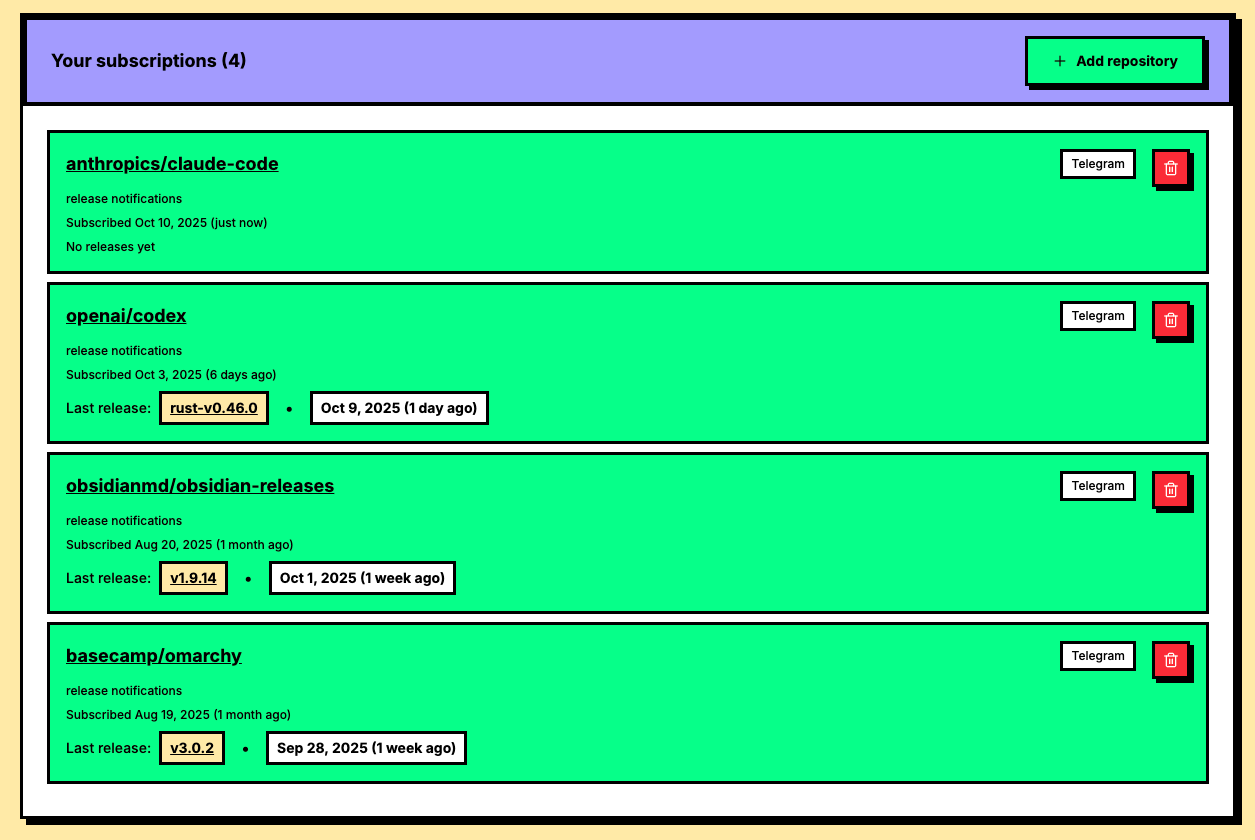
I currently track: OpenAI Codex, Claude Code, Omarchy, and Obsidian. As soon as a new release drops, I update my stack.
If you want instant notifications whenever something important updates, set it up at GitPing and never fall behind again.
More butthole logos (for science)
A couple of months ago, I wrote a tongue-in-cheek article that went viral: Why do AI company logos look like buttholes?. The premise was simple: a surprising number of AI company logos resemble, well, you know, buttholes.
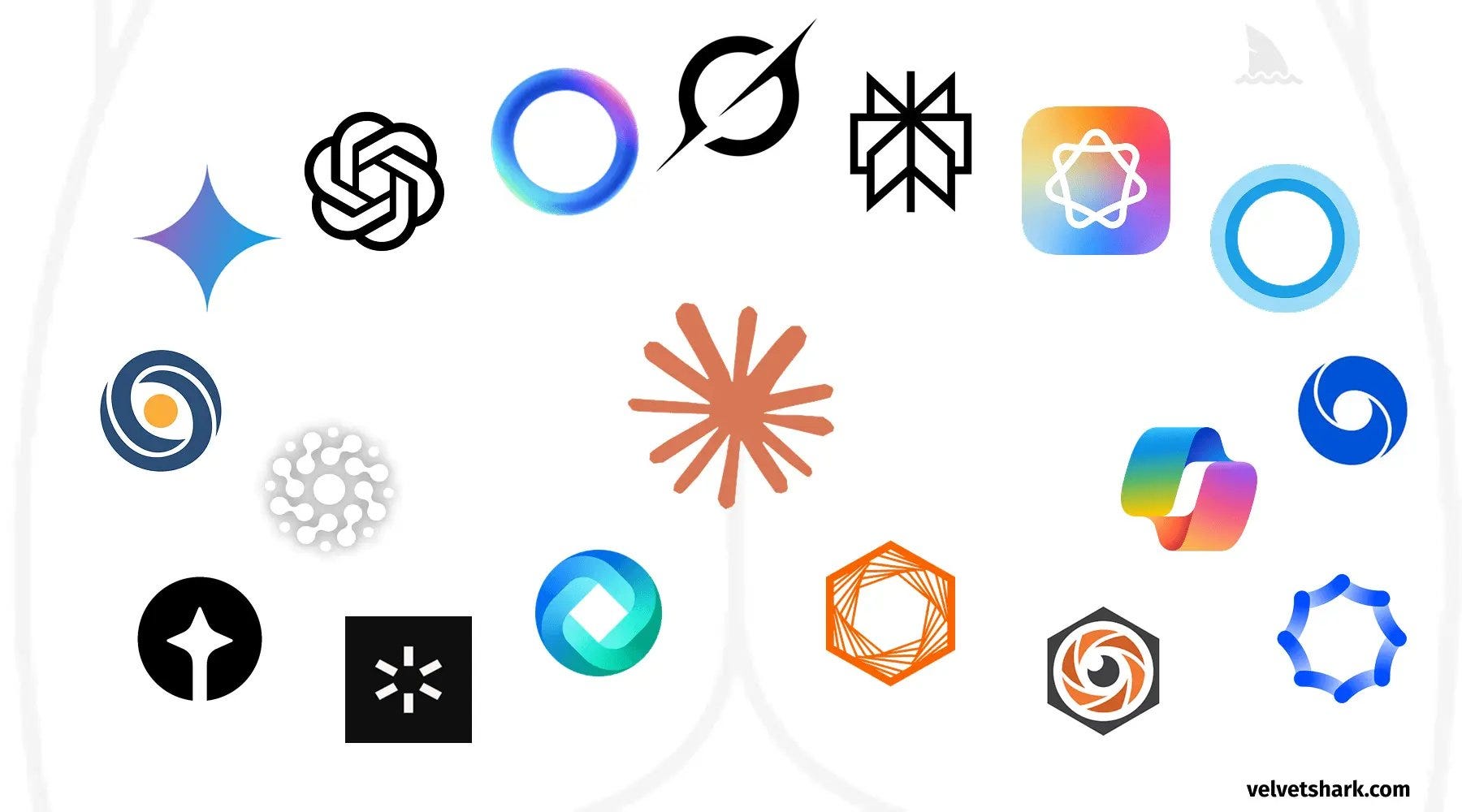
Recently, I’ve noticed one particular style of butthole logo is especially popular, both in AI and beyond. I thought I’d share my latest findings. For science, of course. This is my version of Deep Research.
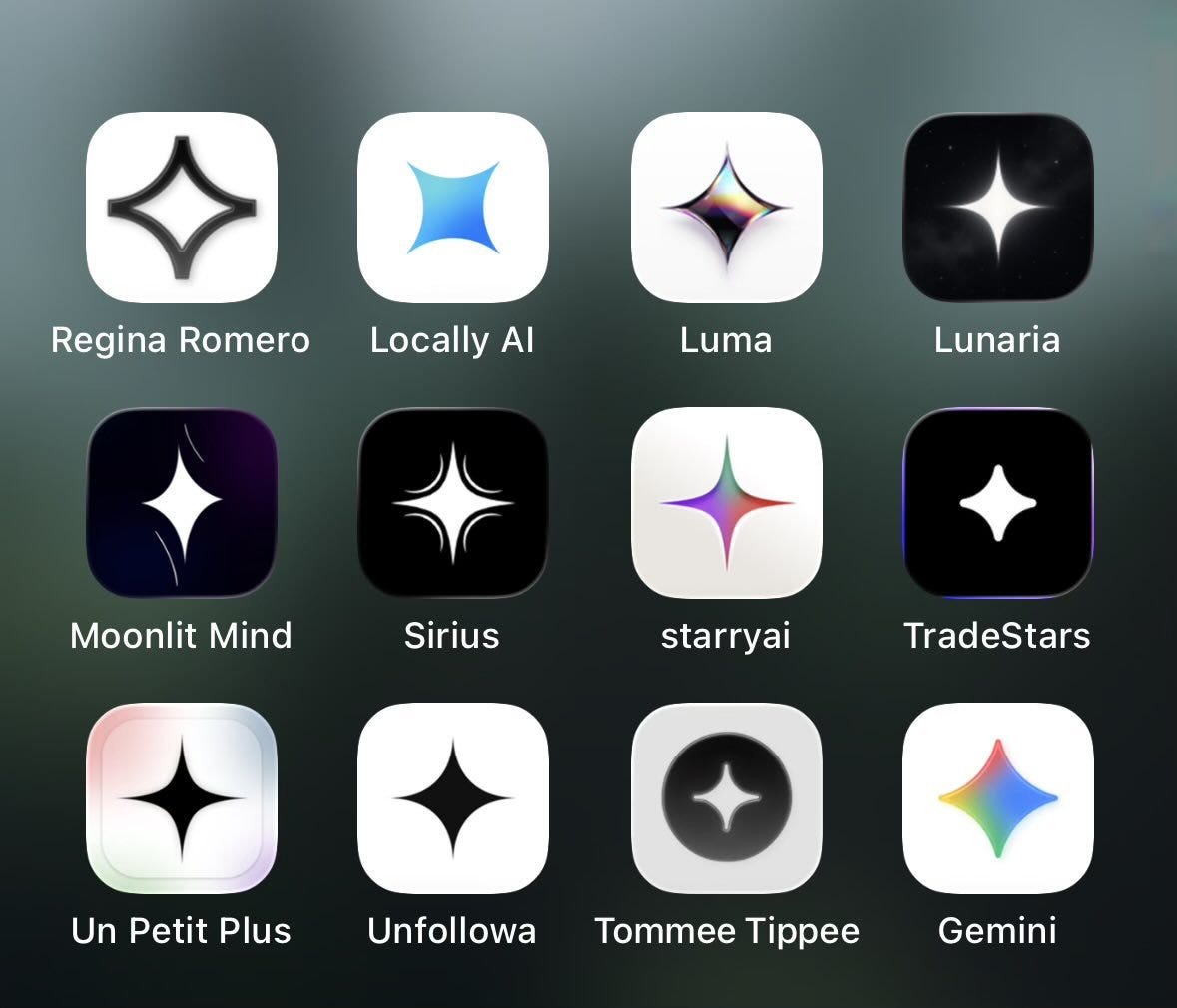
I can’t help but think that Moonlit Mind is doing stretching exercises while Sirius looks a little shaky.
That’s it for this week. Have a nice weekend and see you next Friday!
Radek